How to Make a Minecraft Server for Friends
A Minecraft server for friends can be a LAN world, a Realm, your own PC or a hosted server. How each one works, which fits your group, and the setup on Pixly.
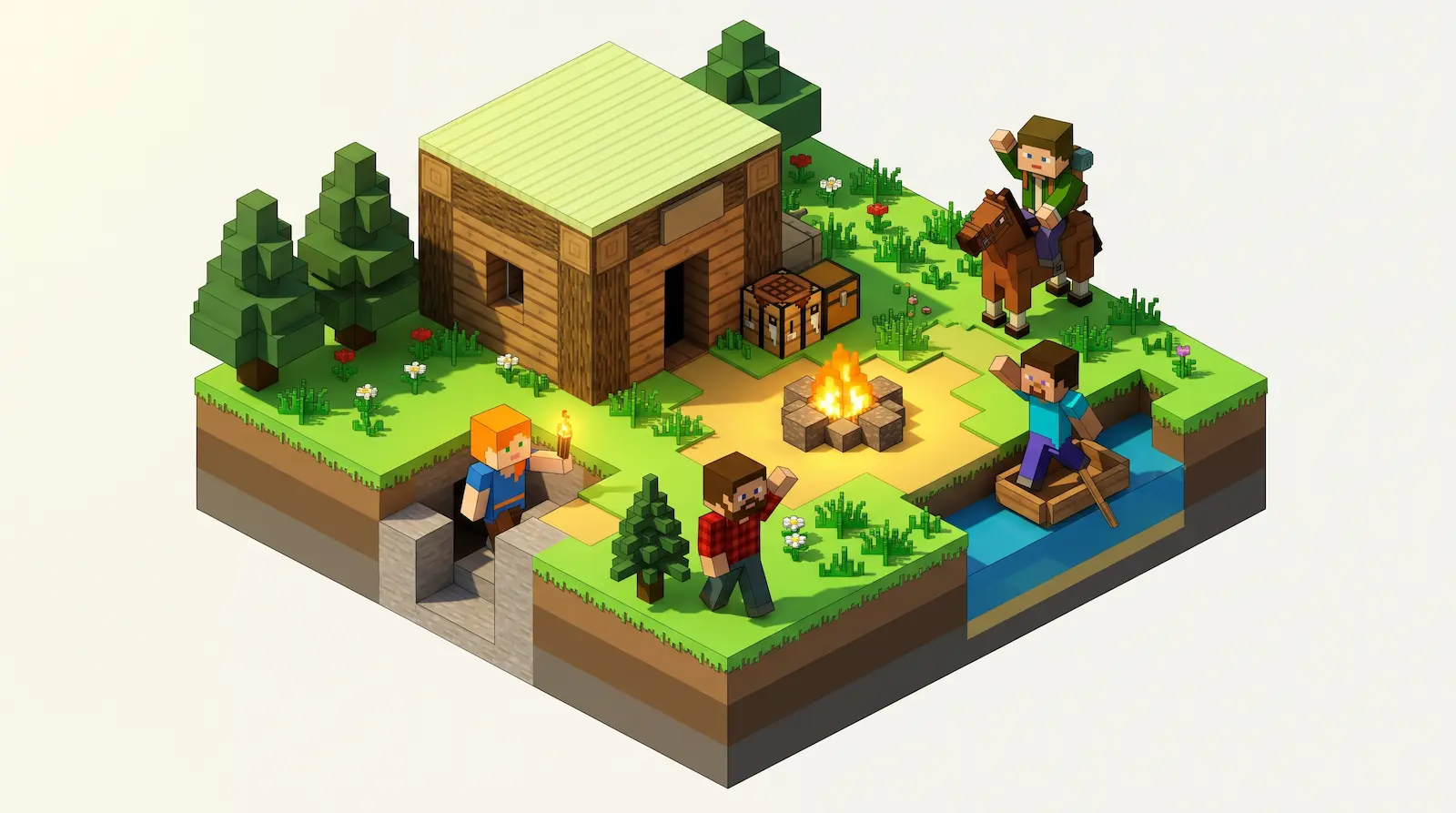
You can make a Minecraft server for friends in four ways: open your world to LAN, rent a Realm from Mojang, run the server software on your own PC, or use a hosted server. Where your friends play from, whether you want mods, and whose computer stays on decide which one fits.
Four ways to play Minecraft with friends
Each way puts the world somewhere different, and that place decides who can reach it.
Open to LAN
In Java Edition, the pause menu's Open to LAN shares your single-player world with players on the same home network. Players over the internet cannot connect without port forwarding or a VPN.1
Realms
A Realm is Mojang's monthly subscription server. It holds up to 10 friends online at once and runs without anyone's PC switched on.2
Your own PC
Mojang's server software runs on a home computer. Friends outside your house reach it after you open port 25565 on your router (port forwarding: telling the router to pass that traffic to your PC), and they connect to your home IP address.3 The world is online only while that PC is on.
A hosted server
A computer in a data centre runs the world at its own address. Nobody installs anything, and no router setting changes. Pixly is a hosted server, and the steps below use it.
Match your group to a way of hosting
Find the rows that describe your group; the way in the middle column covers that need.
| Your group | Fits | Why |
|---|---|---|
| Everyone plays in the same house | Open to LAN | Nothing to set up or pay for |
| Up to 10 friends on vanilla Minecraft | Realms | Mojang runs it for a monthly fee |
| You manage your router and a PC that stays on | Your own PC | The server software costs nothing |
| Friends in different places, with mods or Bedrock players | A hosted server | Its own address, and mods and crossplay are settings |
Most groups match two rows at once, so pick the way that covers every row your group is in. A group that adds a friend from another town has outgrown LAN, and a group that wants a modpack has outgrown Realms. Minecraft server hosting prices compared sets hourly billing against monthly plans if cost decides it.
Create the server and share its address
On Pixly, Create world suggests the fastest region from your device, then walks through the server type, Minecraft version, the friends allowed in, and mods. The world's name becomes its permanent server address, like cozyglade-7x.pixly.gg, and only friends you add by Minecraft username can join.
How friends join your Minecraft server
A Java Edition player adds the server address once, and it stays in their server list.
- Open Multiplayer. On the Minecraft title screen, choose Multiplayer, then Add Server.
- Paste the server address. Put it in the Server Address field and choose Done.
- Join the server. Pick it in the list and choose Join Server.
Friends start the server by joining it
Nobody has to press start. A friend connecting wakes the world, whether or not you are online, and it is reachable in 15–30 seconds when it was played recently, or a few minutes after days asleep. About five minutes after the last player leaves, it goes to sleep.
You pay from a prepaid balance for the hours the server is up. A sleeping world has no hourly charge, only a small storage fee for its data, and nothing in it changes while it sleeps.
Add mods, Bedrock players and voice chat
Each one is a setting on the server page and takes effect on the next start.
- Mods and plugins. The Mods tab searches CurseForge and Modrinth together, or takes a
.jaror.mrpackupload. - Bedrock players. The crossplay switch installs Geyser and Floodgate, and phone, tablet and Windows players add the same address with no port. Java and Bedrock crossplay hosting covers console players.
- Proximity voice chat. One switch sets up Simple Voice Chat or Plasmo Voice; each player adds the matching mod, and nearby players hear each other in the world.
Questions about hosting for friends
Do my friends need to install anything to join?
Only Minecraft itself, on a server without mods. A modded server needs each player to install the same mods in their own game.
Do I need to port forward or use Hamachi?
No. Port forwarding and virtual-network tools like Hamachi make a game on a home PC reachable from outside the router. A hosted server already has a public address, so no router changes, and nobody's home IP address is handed out.
Do my friends pay to play on my server?
No. The owner's balance pays for the hours the server is up; friends need only their own copy of Minecraft.
Can I bring the world we already play on?
Yes. The Backups tab takes an upload of a world save you already have, and daily backups keep a seven-day history after that.