Realms Pro Alternative for Java and Bedrock Players
Realms Pro is $29.99 a month for 50 Bedrock players. Pixly is about $7.49 a month for both Bedrock and Java, with no player limit, mods, modpacks and plugins.
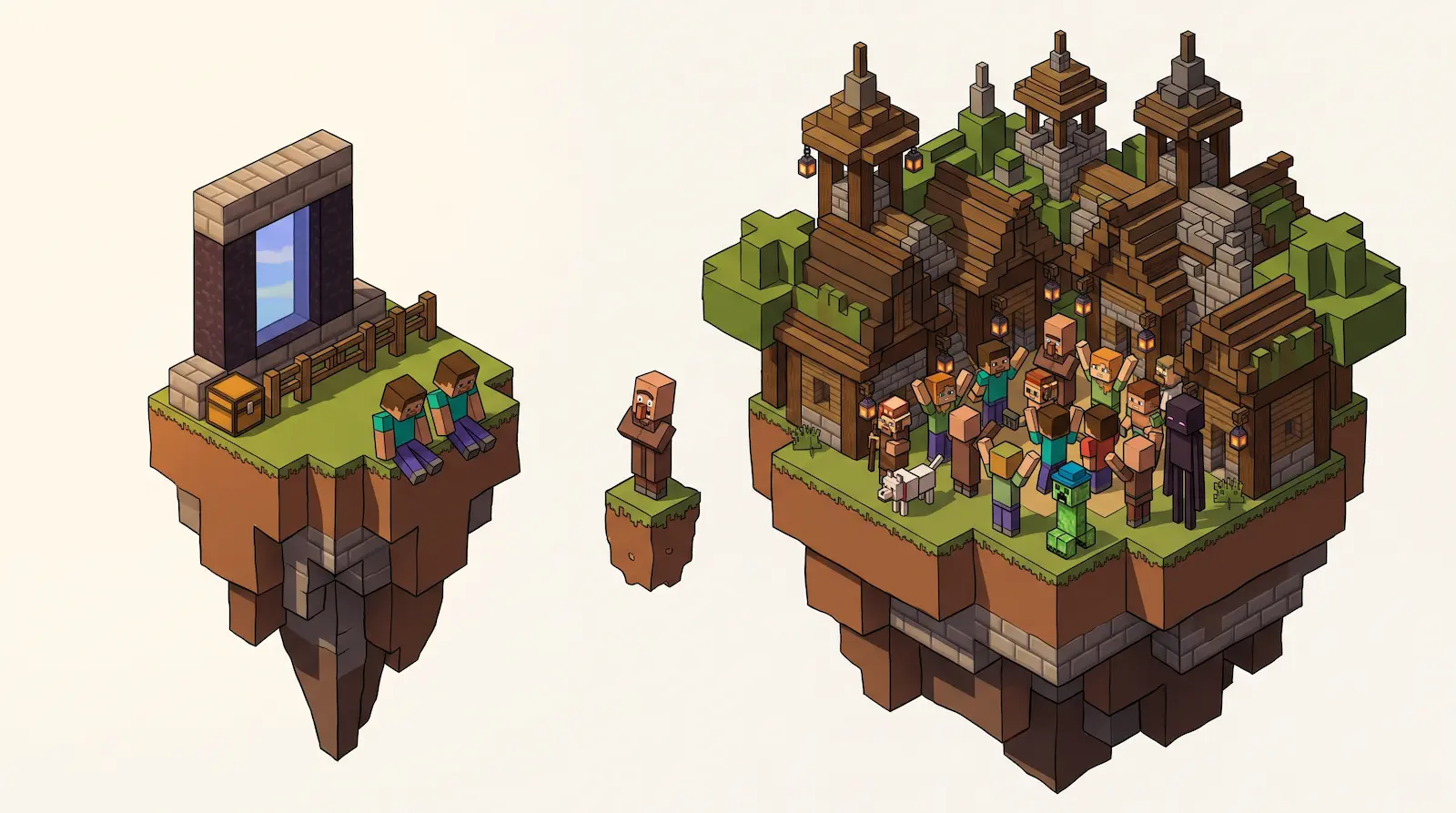
Java Realms has no Pro plan. Pixly hosting is the Realms Pro alternative that lets Java and Bedrock players play together. It usually costs less than Realms Pro for groups that play in sessions.
What is Realms Pro?
Realms Pro is the largest Realms plan, for Bedrock only. Players allowed at once on each Bedrock plan:1
| Realms plan | Players at once | World saves |
|---|---|---|
| Realms Core | 2 | 5 GB |
| Realms Plus | 10 | 10 GB |
| Realms Pro | 50 | 25 GB |
Realms Pro runs on a server with 4 CPU cores and 16 GB of RAM that no other Realm shares. Mojang says its limit of 50 players depends on the players' devices.1
Owners get a dashboard on Minecraft.net with CPU, memory, player count and tick time, the time the server takes to run one game step. They can raise render distance to 96 chunks.2
Is there Realms Pro for Java?
No. Realms Pro requires Minecraft: Bedrock Edition. Java Realms has one plan: you plus 10 players at once. Java Realms players cannot play with Bedrock players.2 The Pixly vs Minecraft Realms comparison covers the other Java Realms limits.
A Pixly server has no player limit on any size. Sizes run from 4 GB to 128 GB of RAM, and the 32 GB size is suggested for 50 players.
How much is Realms Pro?
Realms Pro costs $29.99 a month. New subscribers pay $1 for the first 14 days, and the subscription renews automatically until canceled.1
Pixly has no subscription. You top up a balance and pay only while the server runs. It sleeps five minutes after the last player leaves, and a friend joining wakes it.
Compare price
Both servers have 16 GB of RAM.
Can Java and Bedrock play together with mods?
Not on Realms Pro. It runs Bedrock only, so Java players cannot join. It runs Bedrock add-ons from the Marketplace or uploaded by the owner.3 Mojang says mods are exclusive to Java Edition.4
Yes on Pixly. A Pixly server runs Java Edition, so Java mods and Bedrock players can be in one world.
Crossplay is one switch in the server settings. Pixly installs Geyser and Floodgate, the plugins that let Bedrock players on phones, tablets and Windows join a Java world.
Fabric, Forge, NeoForge, and Quilt mods and whole modpacks install from CurseForge and Modrinth, a pasted link or an uploaded .jar or .mrpack file. Crossplay and mods work on every size of pay-per-hour Minecraft server hosting on Pixly.
How do I move my group from Realms to Pixly?
What you need to know to transfer your server from Realms to Pixly.
Can console players join a Java server with crossplay?
Yes, with one extra setup step. Consoles cannot join outside servers on their own. Players can change the console's DNS to use BedrockConnect, or run a helper app on a phone or PC that shows the server as a LAN game. GeyserMC's console guide has the setup for each method.
Do my friends need to pay to join a Pixly server?
No. Only the server owner pays. Friends join with the copy of Minecraft they already own, Java Edition or Bedrock Edition.
Can I move my Realm world to a Pixly server?
Yes for a Java Realm. Download the world from the Realm's backups, upload it on the Pixly server's Backups tab, then restore that upload to make it the server's world. Download it before you cancel. Mojang keeps a Realm's worlds for 18 months after the subscription ends.2
Footnotes
Mojang, Introducing Realms Pro, published November 9, 2026: players, hardware, storage and the U.S. price, checked November 2026. ↩ ↩ ↩
Mojang, Minecraft Realms: the plan comparison for Bedrock and Java and the Pro admin settings, checked November 2026. ↩ ↩ ↩
Mojang, Realms Pro store page: Marketplace packs and uploaded packs under Pack Compatibility, checked November 2026. ↩
Mojang, Bedrock Edition Add-Ons: "Minecraft mods are exclusive to Minecraft: Java Edition", checked November 2026. ↩