Why My Minecraft Server Lags
Minecraft server lag comes from mobs, redstone, new chunks, memory pauses or a busy processor core. spark names the cause; shared cores set many hosts' limit.
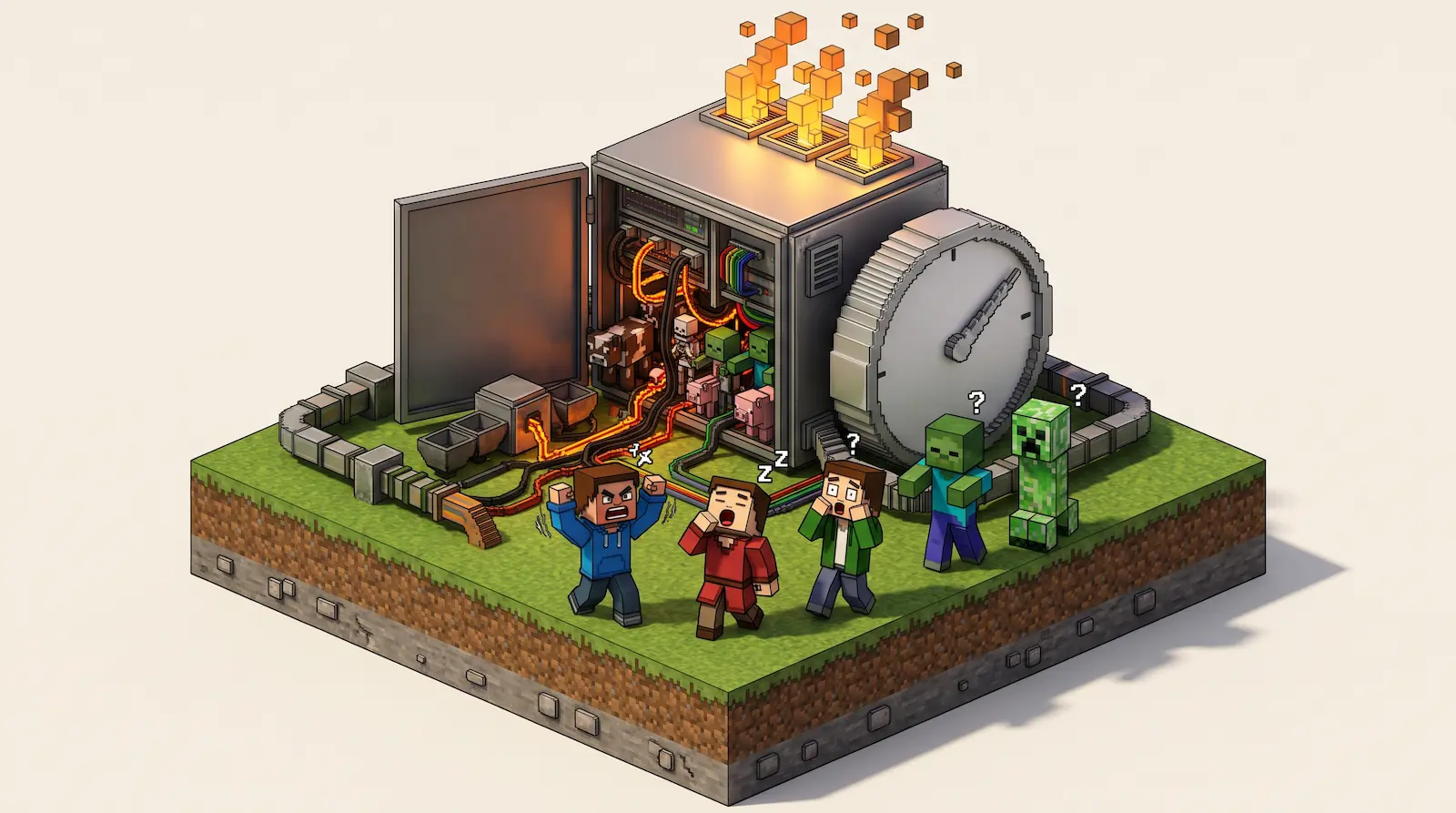
Minecraft server lag happens when the server can't keep its pace of 20 updates a second. Each update, called a tick, moves mobs, grows crops and runs redstone, and it has 50 milliseconds to finish. When one takes longer, the next has to wait, so the whole world slows down for everyone.1
Server lag, low FPS and high ping feel different
Three different problems get called lag, and only the first one is the server's fault.
Server lag
The server falls behind, so mobs, crops, furnaces and redstone slow down for every player at once.1
Low FPS
Your own computer can't draw the game smoothly. Only your screen stutters, and everyone else plays normally.
High ping
The connection between one player and the server is slow, so only that player's actions arrive late. spark, a free performance tool, lists each player's round trip with
/spark ping.2
Five causes that push a tick past 50 ms
A tick runs long when there is more going on in the world than the server can handle in 50 ms. The extra work comes from five places, and plugins or mods can add to any of them.
- Mobs and farms. Every mob near a player decides where to move on every tick, so a packed farm keeps the server busy.3
- Redstone and hoppers. Redstone dust can make the server recheck lots of blocks and lighting at once, and a hopper keeps checking for items above it until a solid block covers it.3
- New chunks. Land nobody has visited yet is built the moment a player gets close,4 so exploring makes the server create terrain while everyone plays.
- Memory pauses. Minecraft runs on Java, which pauses the game now and then to clear out memory it no longer needs, and a server short of memory pauses more often. The Minecraft server RAM guide measures it.
- A busy processor core. The server does most of its work on one processor core,5 so it has to wait whenever that core is busy with something else.
Simulation distance is the setting for how far around each player the world keeps moving. At its default of 10, every player keeps up to 441 chunks, the square pieces the world is built from, full of running mobs and machines.6
How to find lag with /tick query and spark
Pixly does this check on every server by itself, and the server page names the cause when lag keeps coming back.
On any server you can also do it by hand. /tick query is built into Minecraft and tells you whether the server is lagging, and spark shows why, down to the plugin, mod or farm. spark only catches lag that is happening right now,7 so run these commands while the server lags, with players online, in the server console or in chat as an operator.
Find the cause of lag
- Check whether the server lags. Run
/tick query, built into Minecraft Java since 1.20.3. Its "Average time per tick" line should stay at 50 ms or lower,8 and a lagging server also says it "can't keep up with the target tick rate".9 - Get spark. Paper has spark built in since 1.21. On Spigot, Fabric, Forge or NeoForge, install it from spark's download page.10 A vanilla server can't load spark, so switch it to Paper or Fabric first.
- Record ten minutes of lag. Run
/spark profiler start --timeout 600, and after 10 minutes spark posts a link to a report.7 If the upload fails, spark saves the report as a file in its folder, and you can open that file on spark's website. In the report, open the "Server thread" line: the plugin, mod or game feature with the biggest percentage is what slows the server. If nothing stands out, the processor itself is the limit. - Catch short freezes. If the server only freezes now and then, run
/spark tickmonitor --threshold-tick 50to get a chat message for each tick over 50 ms.11 Then/spark profiler start --only-ticks-over 100records only those slow ticks, and/spark profiler stopgives you the report.2
Why shared processor cores make a server lag
Many hosts sell plans by memory and share each processor between several customers' servers. exaroton publishes how its sharing works: each gigabyte of memory comes with "0.5 shared CPU cores", and its hardware guide defines one.12
A shared CPU core doesn't mean exclusive usage rights for a specific core but general usage equal to a single core if possible.
The limit sits in "if possible". When a neighbour's server peaks at the same moment as yours, your tick waits for the core, and no setting, plugin or extra memory in your world changes that. Sharing keeps the price down: exaroton says exclusive cores "would be much more expensive".
Common questions: RAM, exploring and small groups
Does more RAM fix Minecraft server lag?
Only when memory pauses are the cause. Once a server has enough memory, adding more doesn't make it faster, and a spark profile shows what is slowing it instead.
Why does my Minecraft server lag when I explore?
New land is built the first time a player gets near it, while the server is also running the game. Chunky builds the land ahead of time, before anyone explores.13
Why does my server lag with only two players?
Lag depends on what is happening in the world more than on how many people play. One player can keep a large mob farm, a redstone clock or new terrain running, and each adds work to every tick.
Pixly gives every server its own processor cores
On Pixly every server is its own machine with dedicated CPU and RAM that no other server shares, and every core it lists is a whole core for that server alone. No neighbour can take tick time, so a slow tick comes from the server's own work.
The server page shows lag in milliseconds per tick over the last 30 minutes, and when lag with players online keeps returning, it names the cause:
- Memory pauses. The server keeps stopping to free memory, and a size with more memory fixes it.
- Waiting for a core. Pixly checks how often the game had to wait for its processor. On the 1-core size, building new land and clearing memory share that core with the game, and a second core fixes it.
- Too much going on in the world. A bigger size will not help here; Paper, performance mods, pre-generating with Chunky or a lower simulation distance will.
Changing size is a setting and a restart, and the world and its address stay the same on Pixly's Minecraft server hosting.
Footnotes
spark, The Tick Loop. ↩ ↩
spark, command reference. ↩ ↩
Minecraft Wiki, Server/Requirements. ↩
Minecraft Wiki, server.properties. ↩
spark, TPS and MSPT. ↩
Minecraft Wiki, Commands/tick. ↩
spark, Finding the cause of lag spikes. ↩
exaroton, Allocated resources and hardware, checked November 2026. ↩